
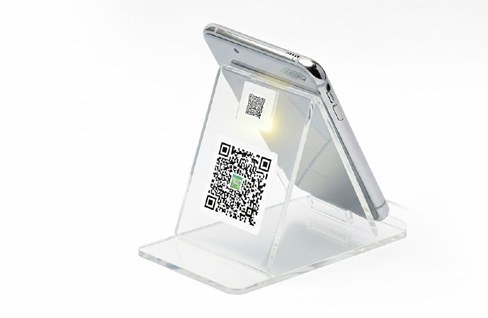
Designing a Business Card with NFC and QR Access
A smart business card still needs to work as a physical object. Clear wording and an understandable layout help recipients recognise the card and know how to use the digital features.
Explain the action simply
Use short instructions where needed and keep the company identity easy to recognise. Decide what must remain printed on the card, such as a name, role and essential contact information. A recipient should not need a demonstration to understand the purpose of the card. Discuss the supported use with the supplier rather than assuming every device works the same way.
Give the QR code usable space
Keep the code clear and avoid placing it over a busy image. Ask for the recommended print size and test the approved proof with several phones. Check that the QR and NFC routes open the intended destination. If they serve different purposes, make the distinction clear in the design.
Prepare for production and reuse
Confirm the final artwork, card material and any personalisation before ordering. Maintain a list of names and destinations when producing cards for a team. Test a finished sample rather than relying only on the design file. Keep the underlying contact pages current so the physical cards remain useful over time.
Before you request a quotation
- Clear printed identity
- Simple usage wording
- Tested NFC and QR destinations
- Verified team details
Basma Paradise offers digital & smart solutions as part of its integrated services in Bahrain. Share your objectives, quantities or dimensions, reference materials and required delivery date so the scope can be discussed for your project.
Related guides
- NFC Business Cards: Planning a Useful Digital Introduction
- What Should a Digital Business Card Page Include?
Explore our projects or contact Basma Paradise to discuss your brief. You can also chat with us on WhatsApp.